Desktop
Sovern Desktop isn't a dashboard. It's a personalized desktop environment that you configure to match how you work. Multiple desktops, custom wallpapers, floating widgets, shortcuts, your sovereign workspace starts here.
An environment, not an app
Most SaaS tools drop you into a dashboard packed with charts you didn't ask for. Sovern Desktops is the opposite, a blank canvas that becomes yours. Choose your background, place your shortcuts, open your widgets, and make it feel like an operating system you actually want to open every morning.
Everything your desktop does, in the browser
Sovern Desktops brings desktop-grade personalization to a web application.
Multiple Desktops
Create named desktops. Focus, Planning, Creative, each with its own wallpaper, shortcuts, and widget layout. Switch between them in a single click, just like a real operating system.
Wallpapers & Themes
Solid colors, curated image presets, or upload your own. Each desktop gets its own background. The aesthetic isn't cosmetic, it makes the tool feel like yours.
Ambient Scenes
Enable living backgrounds, subtle animations that bring your desktop to life. Rain on a window, a crackling fireplace, a gently moving sky. Focus aids that set the mood.
Shortcuts
Quick-access tiles in three screen positions: top-left, top-right, bottom-right. Link to your task inbox, team dashboard, settings, or presets. Drag and arrange to match how you work.
Widgets
Floating mini-applications. Calculator, Calendar, Notes, Pomodoro, Whiteboard, and more, that open in draggable, resizable windows right on your desktop.
Presets
Save your entire desktop configuration as a named preset, background, shortcuts, footer visibility, widgets, everything. Switch contexts instantly. Share presets with your team.
Lock Screen
Step away without signing out. The lock screen protects your workspace while keeping your session alive, widgets paused, data secure, ready when you return.
Cloud Sync
Every preference syncs to the cloud. Your setup follows you across devices, browsers, and sessions. Set it up once, find it everywhere.
Multiple Desktops
Just like macOS or Linux, Sovern Desktops gives you multiple named desktops. Each one is a complete environment, its own wallpaper, shortcuts, widget layout, and footer configuration.
Name each desktop for its purpose. Focus, Planning, Standups
Independent wallpaper and ambient scene per desktop
Widget positions and sizes saved per desktop
Switch desktops with a single click from the navigation bar
Create, rename, and delete desktops from settings
Focus
Active
Planning
Creative
Settings
Account
Dashboard
System Admin
Dev Tools
Lock Screen
Sign out
Studio Builder
Shortcuts at your fingertips
Place quick-access tiles in three zones, top-left, top-right, and bottom-right. Link to any section, settings panel, or action in Sovern OS. Drag to reorder. Every shortcut is configurable per desktop.
Built-in shortcuts include Settings, Account, Dashboard, System Admin, Dev Tools, Studio Builder, Lock Screen, and Sign Out, plus widget shortcuts that open floating tools directly from your desktop.
Make it yours
Personalization isn't a luxury, it's how you make a tool feel like home.
Solid Colors
Charcoal, Graphite, Slate, Steel, Cloud, Mist, Pearl, Snow
Image Presets
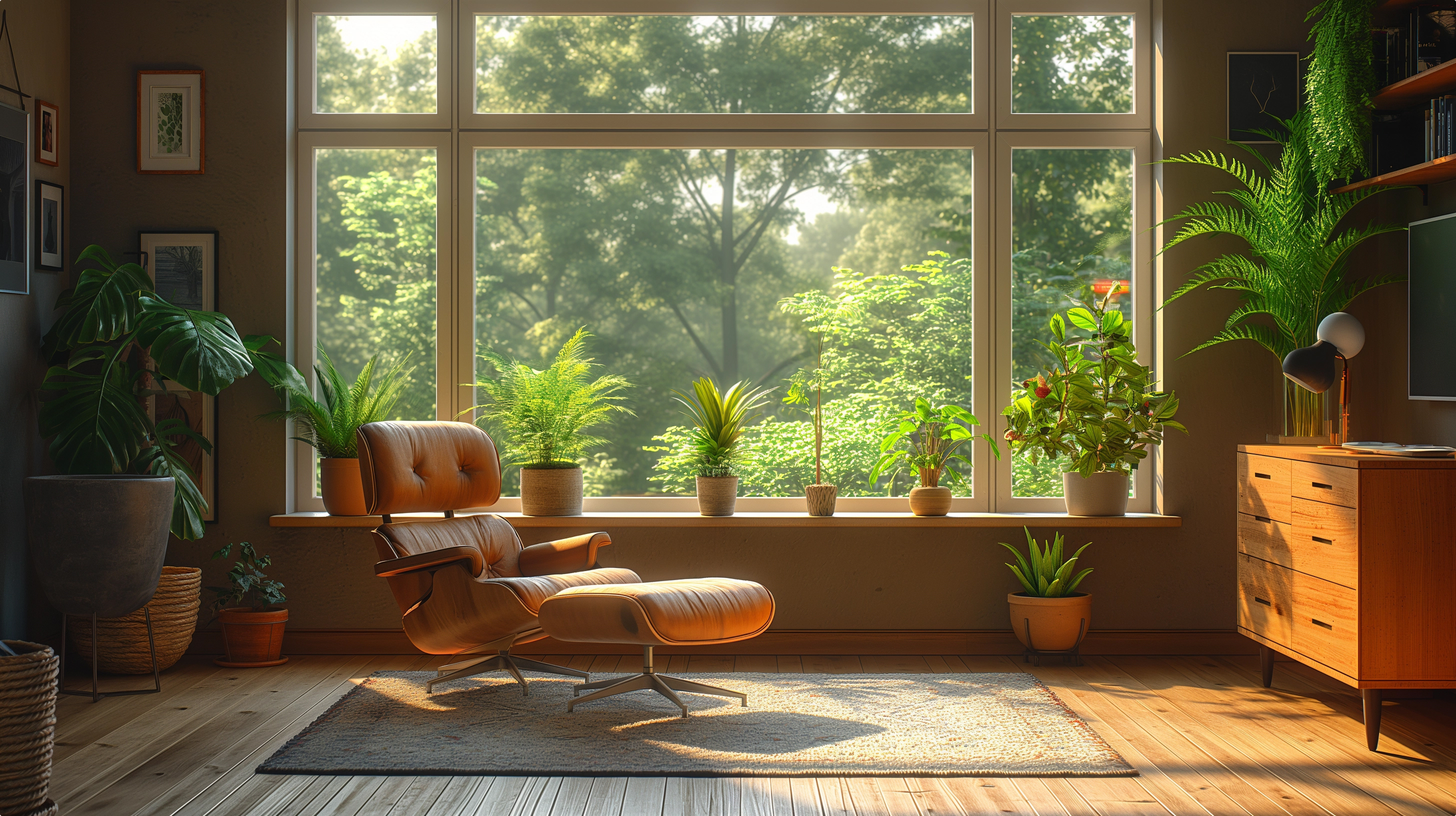
Cozy Room

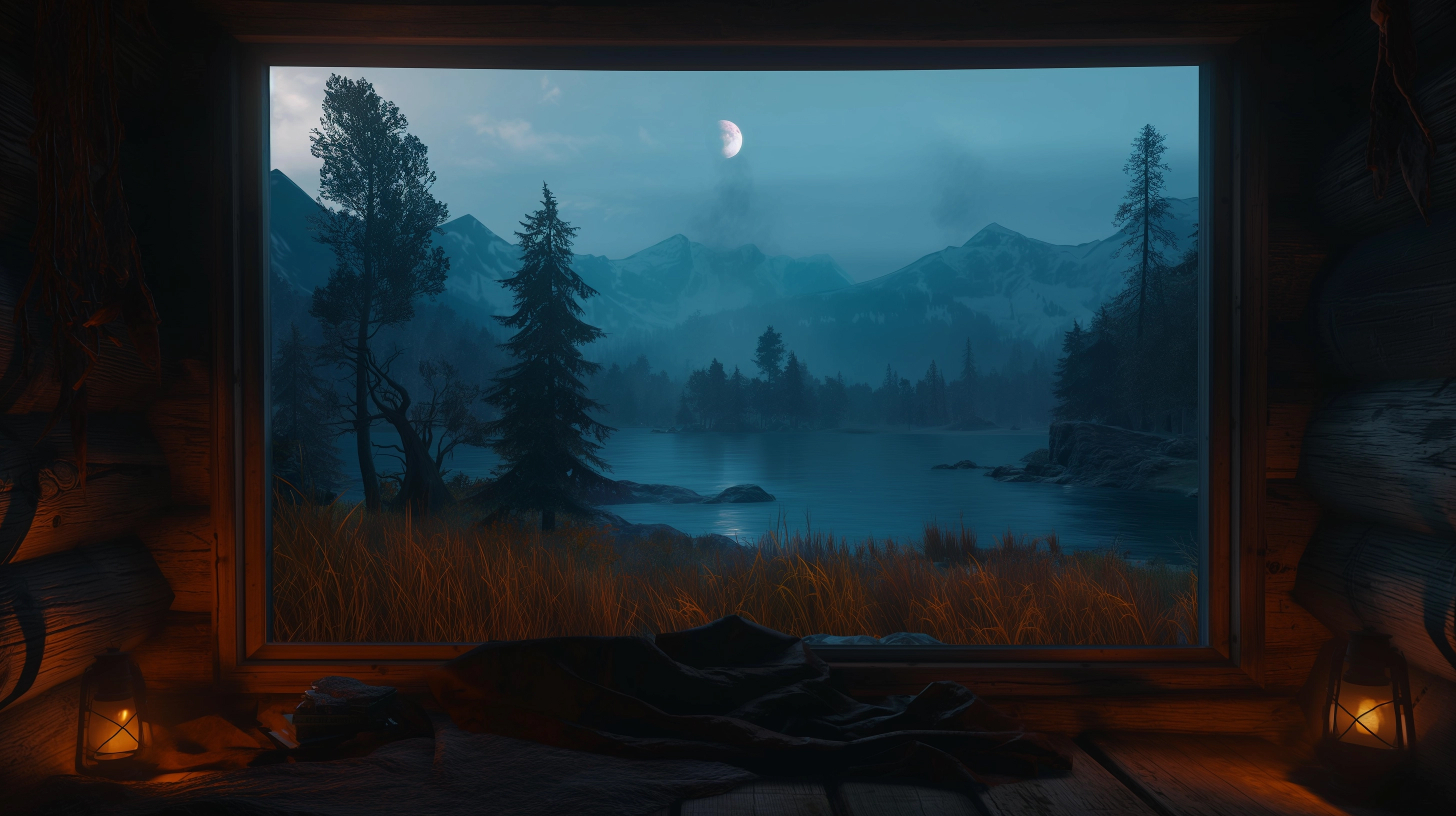
Mountain Lake

Forest Trail

Ocean View
Sunset Valley
Curated high-resolution photography
Ambient Scenes

Rain

Fireplace

Clouds

Aurora
Volume and speed controls per scene
Save everything as a preset
A preset captures your complete desktop state, wallpaper, shortcuts, footer mode, widget settings, glass effect, welcome message. Name it, save it, switch to it in one click.
One-click context switching between work modes
Share preset configurations with team members
Reset to any saved state instantly
Unlimited named presets per user
Presets
Deep Focus
Charcoal · Pomodoro, Notes
Morning Planning
Mountain Lake · Calendar, Timeline
Team Standup
Cloud · Sheet, Calendar
Creative Mode
Sunset Valley · Whiteboard, Modeler
Why personalization matters
When you open a tool dozens of times a day, it should feel like yours, not like a generic enterprise portal. Sovern Desktops turns Sovern OS from an app you use into an environment you inhabit.
01
Ownership
Your workspace looks and feels the way you chose. That sense of ownership reduces friction and increases the time you want to spend inside the tool.
02
Context
Different desktops for different modes of work. When you switch to your Planning desktop, your mind switches too. The environment signals the intent.
03
Speed
Shortcuts and widgets mean the things you reach for most are always within arm's length. No navigation, no searching, no context switching.